Workflow that drives performance
Workflow is where performance is won or lost.
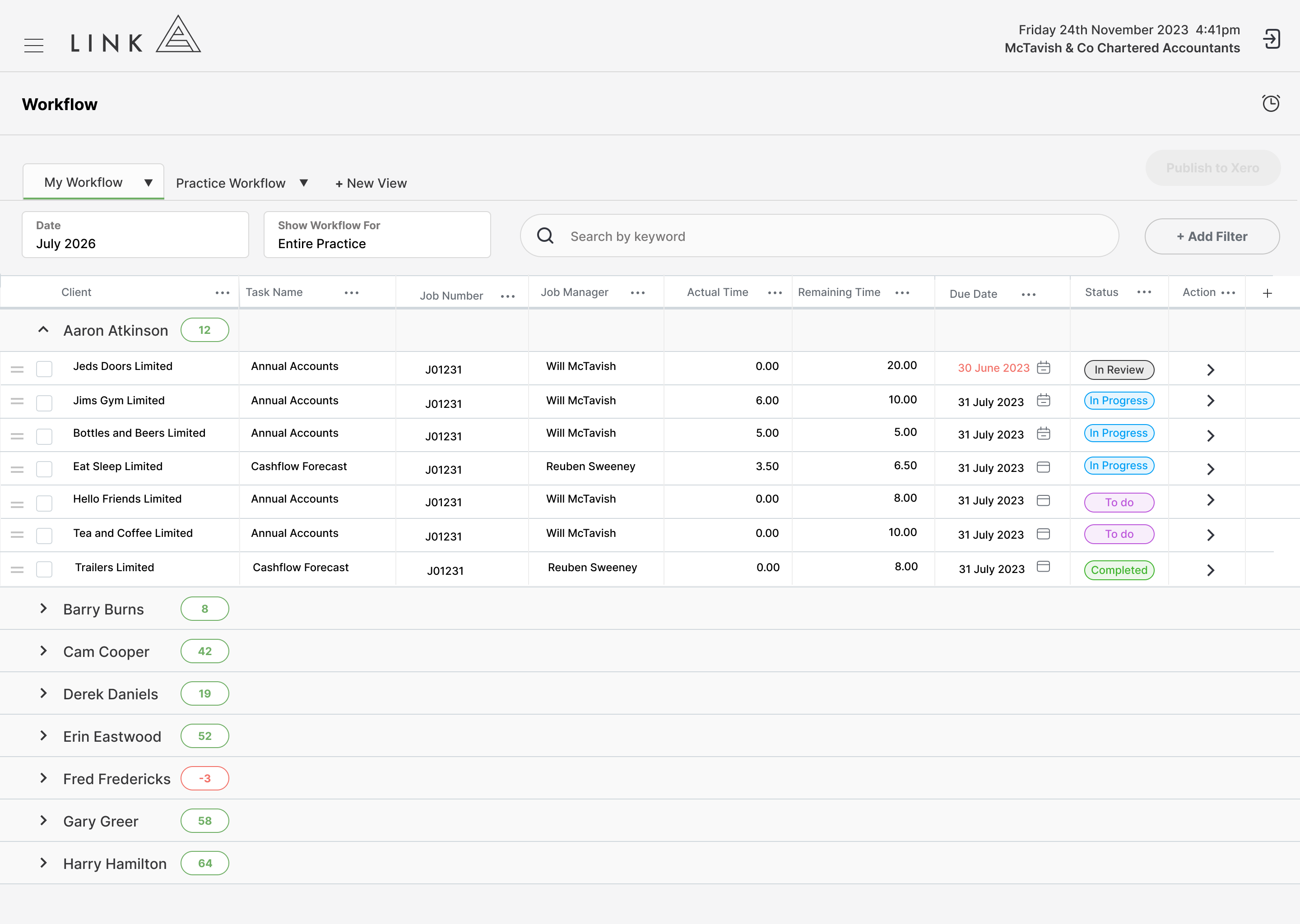
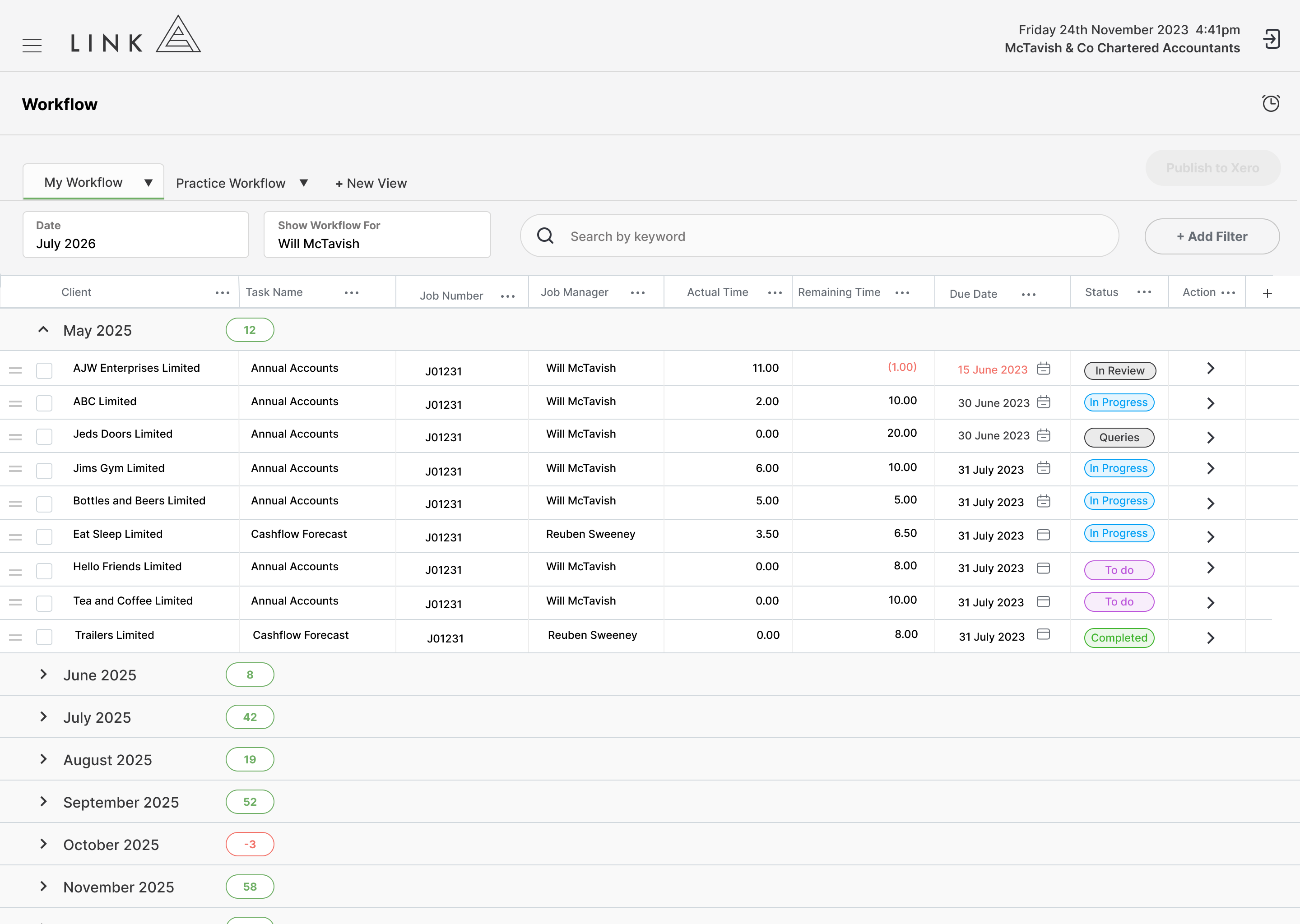
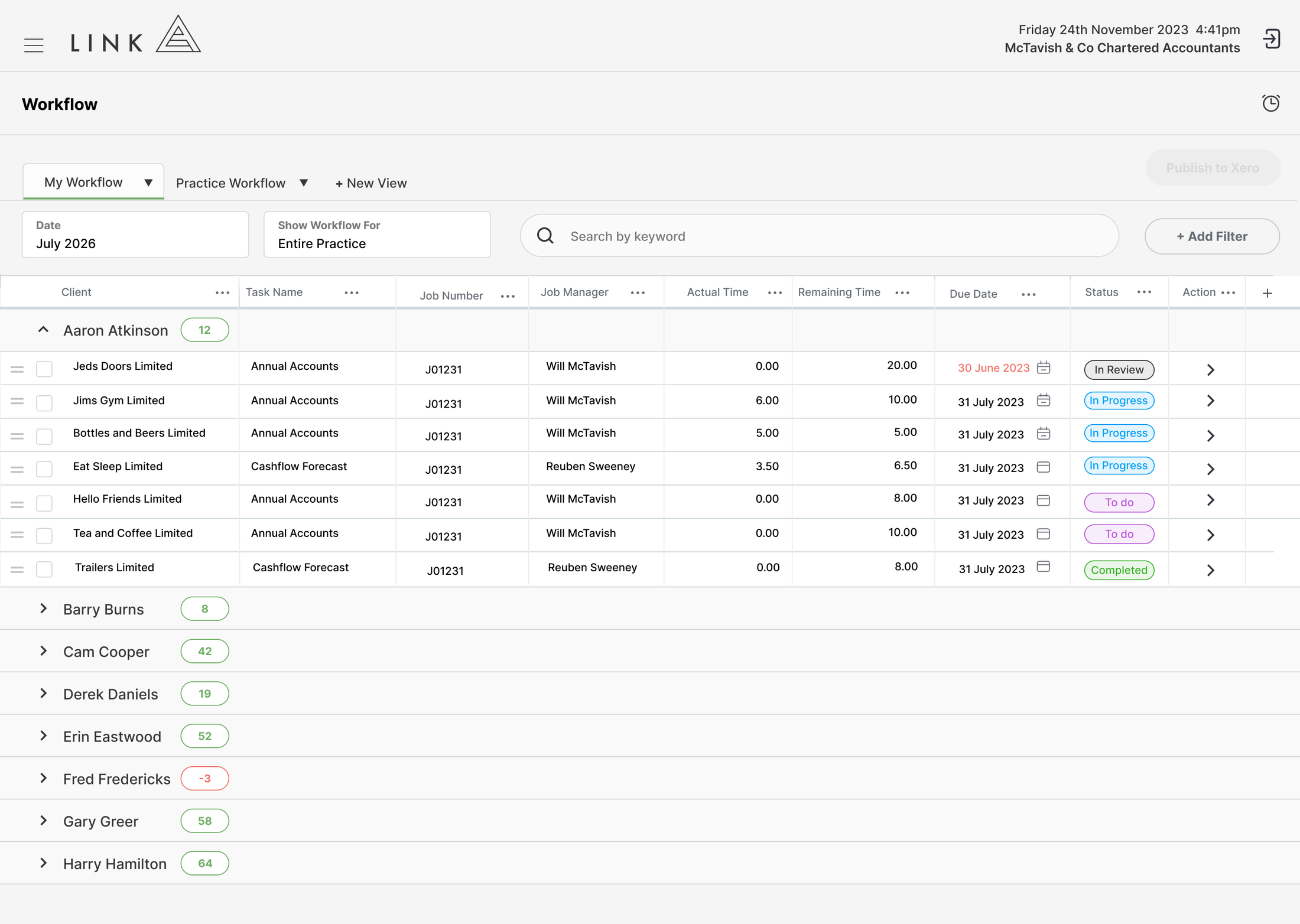
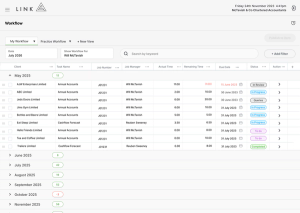
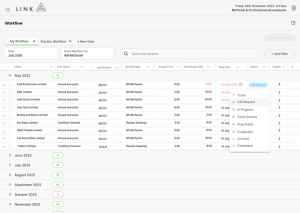
Link brings your entire year into a single, structured view, where every task is visible, prioritised, and connected to capacity. With drag-and-drop control, instant search, and fully customisable task states, your team always knows what to do next and in what order.
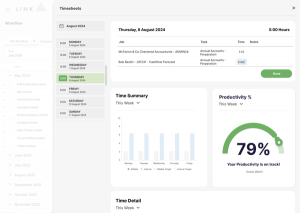
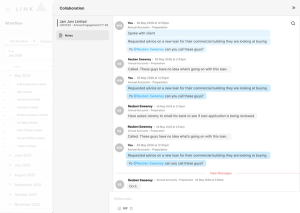
Built seamlessly connected with capacity, timesheets, and performance tracking, every interaction updates the system in real time. The result is workflow that doesn’t just organise work, it actively drives performance across your entire firm.
Why Choose Link for Workflow?
Most practice management apps fall short on workflow. They split work across multiple boards, rely on basic sorting, and leave capacity completely disconnected. The result is fragmented visibility, difficult prioritisation, and tasks that get lost.
Link brings everything into one place. Your entire year of work sits in a single, searchable view, with drag-and-drop control to prioritise tasks exactly how your team needs. No switching between boards. No guessing what comes next.
Because workflow is fully connected to capacity, every decision is grounded in reality. You’re not just organising tasks, you’re managing workload, protecting your team, and driving performance with complete clarity.
Customer Stories
Link simplifies practice management for high-performance accounting firms by not half-solving problems.
Select the customer below to hear their story.
Terri Gamble, DirectorWilson Accounting“We can quickly see where every team member is up to, which allows us to allocate work to the best person for the job at any given time.”

Stephanie Pope, DirectorDrive Accounting“We’d tried multiple other tools, but found them overly complex with too many moving parts. They weren’t particularly intuitive for day-to-day use, so the team didn’t engage with them consistently. As a result, there were gaps in how often we reviewed performance, and we lacked a simple, reliable way to stay on top of key metrics across the business.”

Emma Kenny, DirectorAke Chartered Accountants & Business Advisors“The goals we set for lifestyle balance, early job filing and workflow efficiencies have come to fruition. The team hit 90% completion with 3+ months to spare and was fully filed a month before fiscal-year-end. This meant the team earned paid time off on Fridays from Jan–March… there was no EOFY rush.”

Matthew Davis, Director“Link was the biggest driver of reducing our write-offs and developing strategies to reduce these. At our worst we had high write-offs of around 30% in some years. This has now been reduced to effectively nil and we continue to utilise Link to monitor the progress we have made.”
See for Yourself
Explore how Link delivers Work in Progress reporting in a live, self-guided demo.