Beautiful Practice Management for Accounting Firms with Fixed Fees.
Running a firm with fixed fees can be challenging. You have limited visibility across your workflow, making budgets difficult to see, so write-offs always come as a surprise.
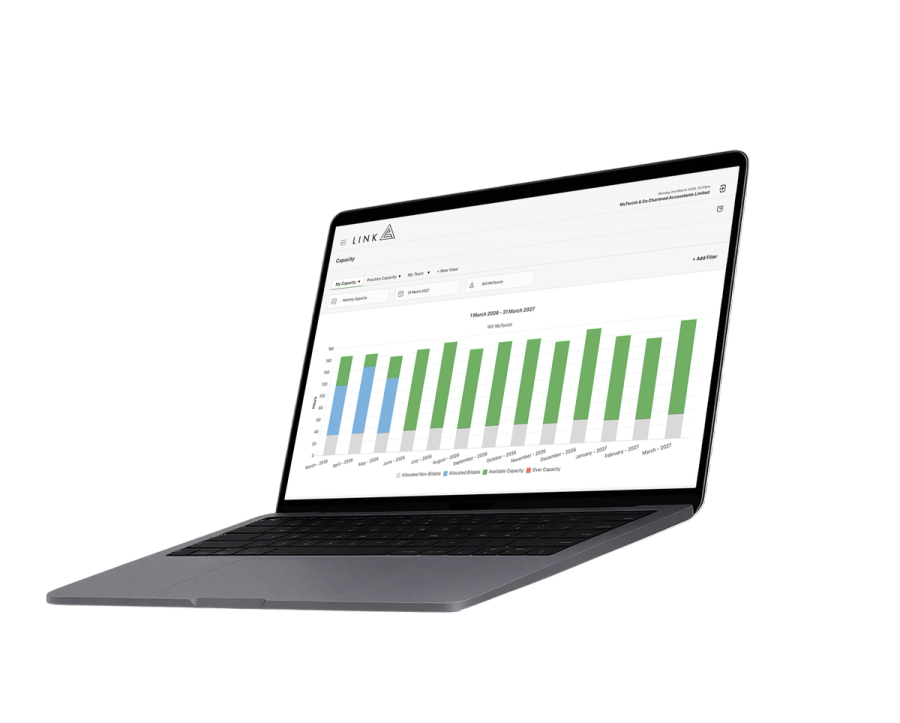
Link is for accounting firms with fixed fees that need better visibility over capacity, workflow and performance.
If you like what what you see, book a discovery call with our team.

Trusted by over 4,000 accountants every day.
See what’s possible for your firm
Explore the areas that matter most to you. Each click-through demo takes just two minutes and does not require an email address.

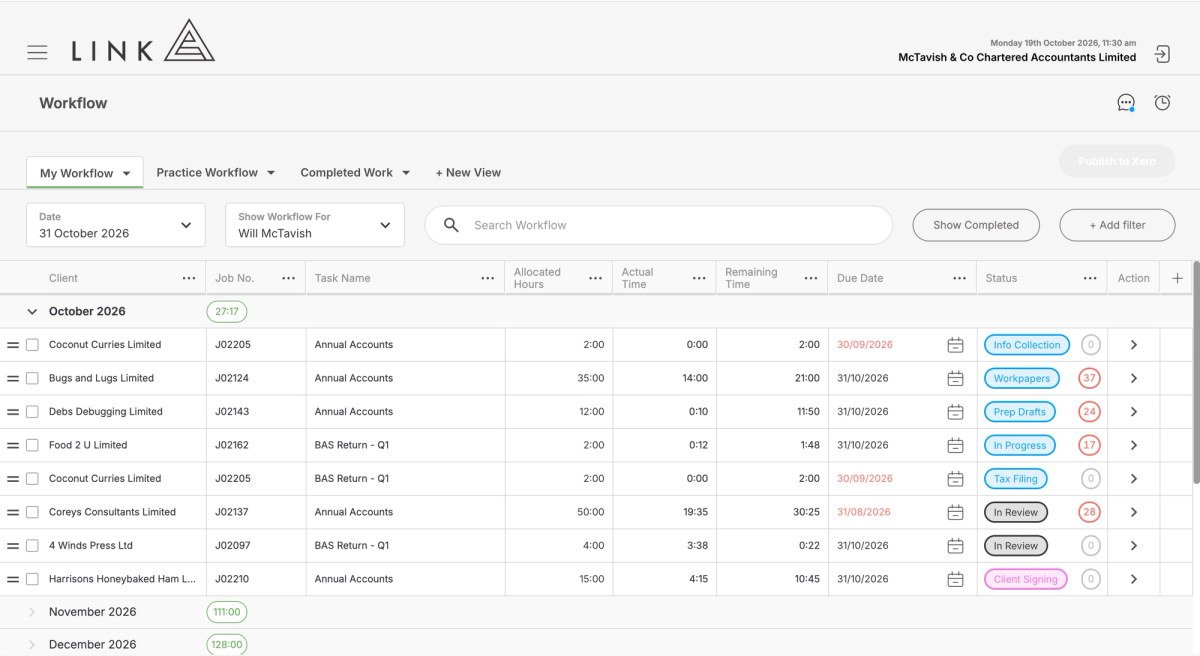
Workflow that knows what your team can actually handle
Workflow that shows available capacity for each team member to guide decisions around priorities and reallocations.

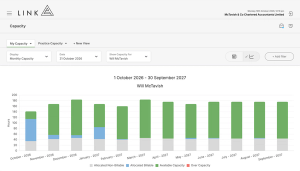
Capacity that updates as work moves
Capacity that stays perfectly accurate with every timesheet, completed task, and new allocation.

Stop write-offs before your team starts the work
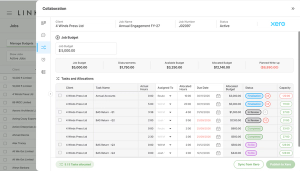
Time budgets are reconciled with job budgets to highlight where you can expect write-offs to occur.

Workflow that knows how long a job has been sitting
Workflow that shows how many days each job has been sitting in its current state allowing you to keep work moving.

Trusted report that starts with reconciled WIP
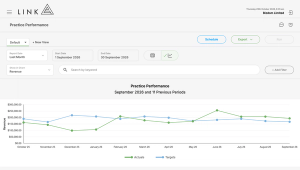
WIP, Team, Client, Job and Practice reporting that all reconcile back to the raw WIP data they came from.

Job budgets that are always visible to your team
Budgets are front and centre in workflow to show your team how much time they have to complete their work.
No email required No sales pitch Around 2 minutes per deep dive
If you like what what you see, book a discovery call with our team.
Running a firm with fixed fees is challenging.
Lining up engagements, invoicing and workflow is difficult.
You end up creating proposals from one system, workflow from another, reporting from yet another, and capacity from a spreadsheet.
Budgets become difficult to communicate with your team, which means overruns are difficult to spot, and write-offs only become known months after the work has been completed.
Disconnected Systems
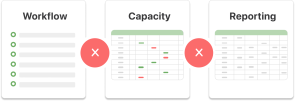
The systems don’t talk to each other, there are too many spreadsheets, and you can’t get any clear answers.
Budget Visibility

Budgets are separate from workflow making it difficult to communicate them with your team.
Surprise Write-offs

You don’t find out about write-offs until the job is closed because budgets are not visible in workflow.
WHAT YOU’VE TRIED
You have already tried to solve these problems.
Spreadsheets
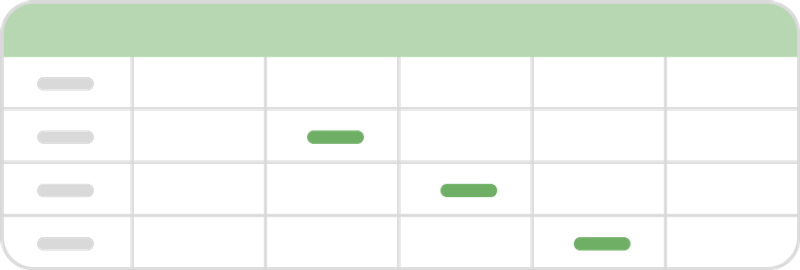
The spreadsheets worked, somewhat, but data gets messy, and maintaining them became a job in itself.
Point-solutions

You tried Ignition and other point-solutions. They solved one problem, but created others.
Other solutions
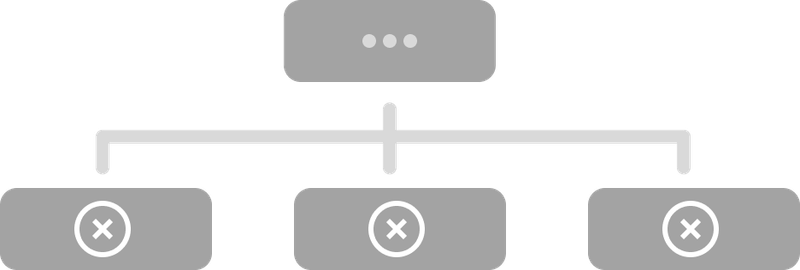
You looked at Karbon, and a handful of others. They were complicated, reporting was limited, and capacity didn’t even work.
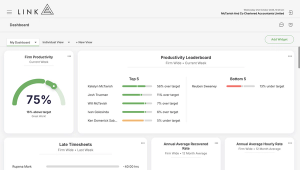
If you like what what you see, book a discovery call with our team.
REAL PRACTICES. REAL RESULTS.
Practices like yours. Before and after.

Ake Chartered Accountants & Business Advisors
Before
"We lacked the visibility we needed to make important decisions. At our worst we had write-offs of around 30% in some years."
After
Write-offs reduced to effectively nil. Stress of running the firm significantly reduced.

Rice & Company LLP
Before
"In one word, inefficient. We had no visibility of our runway and whether we had the team resources available to execute on the work we agreed to deliver."
After
3x growth since implementing Link, with full operational control maintained throughout.

Drive Accounting
Before
"We had no idea what our team's true productivity and performance was. Our teams were constantly asking what they were doing next."
After
Team hit 90% completion with three months to spare. Earned paid Fridays off from January through March. No EOFY rush.

Finspective
Before
"We had no reliable way to know how much work we actually had on, what reasonable turnaround times looked like, or where we sat relative to our true capacity ceiling."
After
Made the decision to hire based on data, not gut feel. Hitting turnaround commitments to clients consistently.
WITH YOU EVERY STEP OF THE WAY
How onboarding works
Once you give us the green light, onboarding is typically completed within 30 days. Below is a high-level view of the process, from project kick-off to go-live and beyond.

Project Kick-off Session
Week 1
We meet to map out the rollout, timing, responsibilities, and key milestones.

Project Review Session
Week 2
We review the setup together and make a plan for future job creation.

Job Creation Session
Week 3
If jobs are being created by spreadsheet import, we will meet to review the spreadsheet.

Team Training Session
Week 4
We train your team to use Link confidently in their day-to-day work.

Go-Live
From today your team will be looking in Link to view their workflow

Adoption Session
Week 5
This Q&A session gives your team a chance to ask questions after they’ve started using Link.
GIVE IT A TRY
Take a look around Link
Choose a guided tour and see how it works, one click at a time.
No email required No sales pitch Around 2 minutes per deep dive
If you like what what you see, book a discovery call with our team.
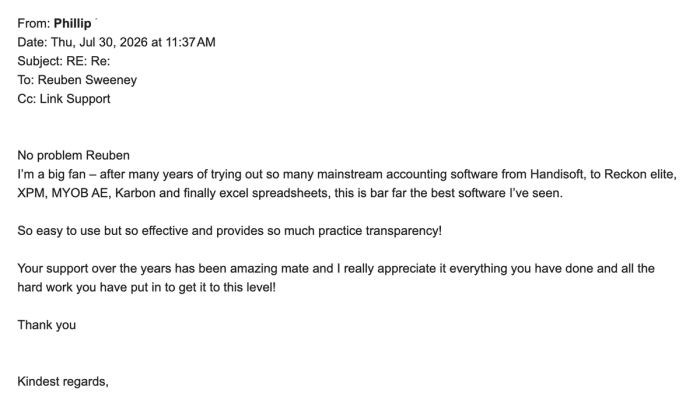
See your firm the way it was meant to run.

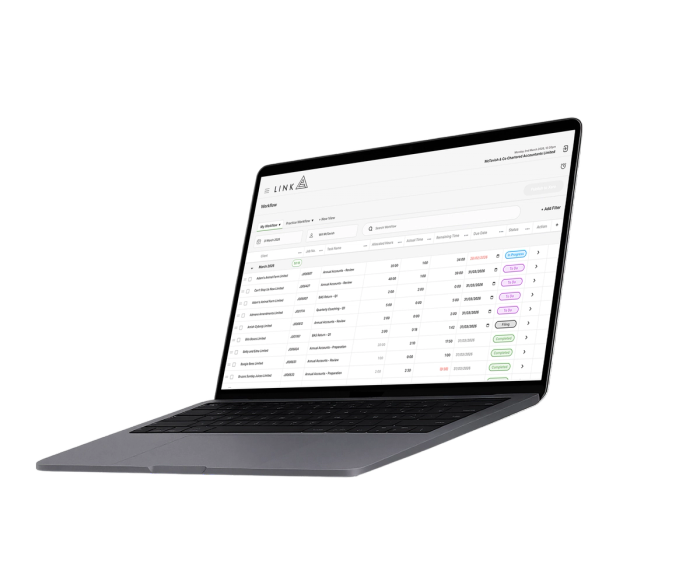
See how your numbers stack up
Benchmark your firm
Takes just three minutes Download PDF of customised results and full benchmark report Your results are not stored or used for benchmarking purposes

Australia Benchmark
Compare your firm against Australian accounting firm performance data.
 Start AU Benchmark
 New Zealand Benchmark
Compare your firm against NZ accounting firm performance data.
 Start NZ Benchmark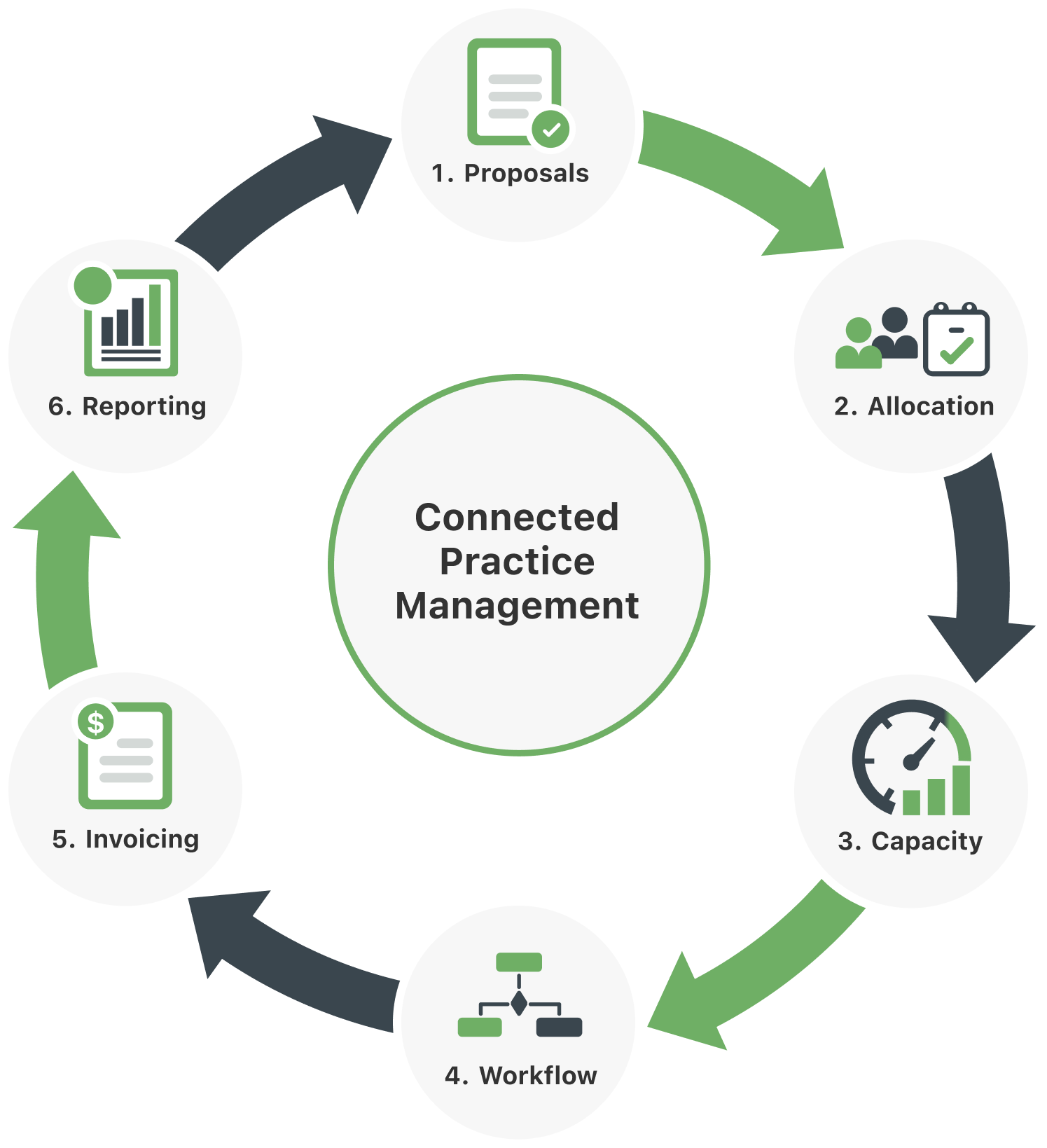

1. Proposals
Link turns accepted proposals into connected work, so scope, budget, billing and reporting stay aligned.

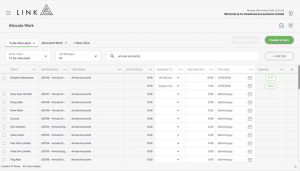
2. Allocation
Turn thousands of tasks into structured allocations in minutes, with the right people, time budgets and due dates.
3. Capacity
Capacity updates with every allocation, timesheet, completed task and deadline change, showing what is actually deliverable and who is overwhelmed.
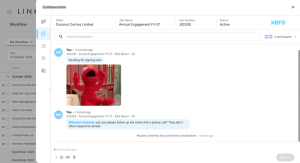
4. Workflow
Capacity-driven workflow keeps work moving from one connected place, so priorities, budgets and statuses stay visible.
5. Invoicing
Connect invoicing to the work, so WIP, write-offs, revenue and reporting stay accurate.
6. Reporting
Connect reporting back to proposals, so every job informs the next years budget and scope of work.